TNT-Integration
TNT-Integration keeps Simpro and LeadConnector/GoHighLevel talking to each other, so your customer details, and job updates stay in sync without the manual double-handling.
It reduces admin, prevents mistakes, and lets you set up simple as well as complex automations.
It reduces admin, prevents mistakes, and lets you set up simple as well as complex automations.
Description
TNT-Integration helps tradies and service businesses work faster and avoid double-handling by automatically connecting Simpro with your LeadConnector / GoHighLevel CRM.
It keeps your customer details, quotes, jobs and updates flowing smoothly between the two systems, so you spend less time on admin and more time getting work done.
TNT-Integration takes the hard work out of keeping Simpro and GoHighLevel in sync. It cuts out manual data entry, reduces mistakes, and keeps your customer and job information up to date across both systems automatically.
It keeps your customer details, quotes, jobs and updates flowing smoothly between the two systems, so you spend less time on admin and more time getting work done.
TNT-Integration takes the hard work out of keeping Simpro and GoHighLevel in sync. It cuts out manual data entry, reduces mistakes, and keeps your customer and job information up to date across both systems automatically.
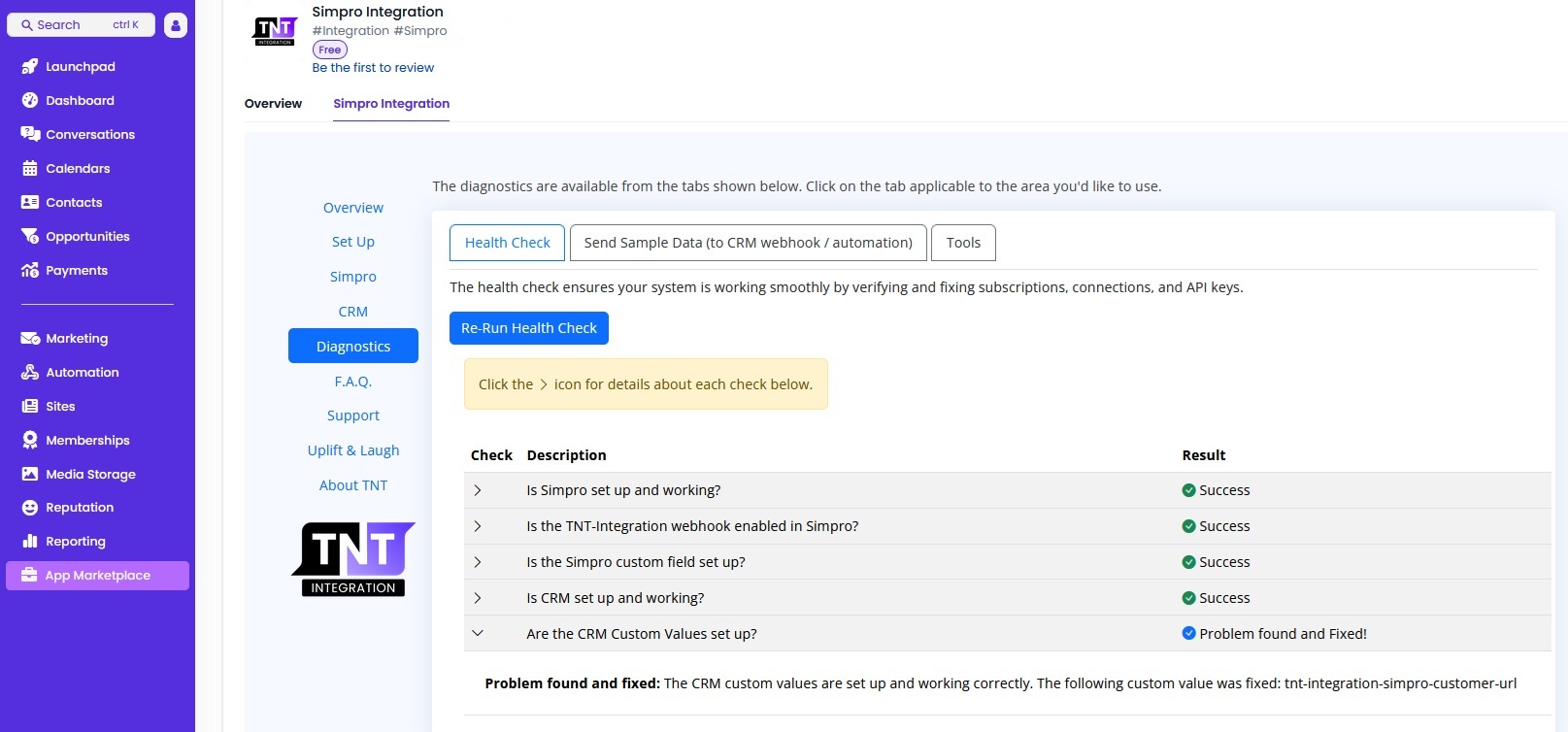
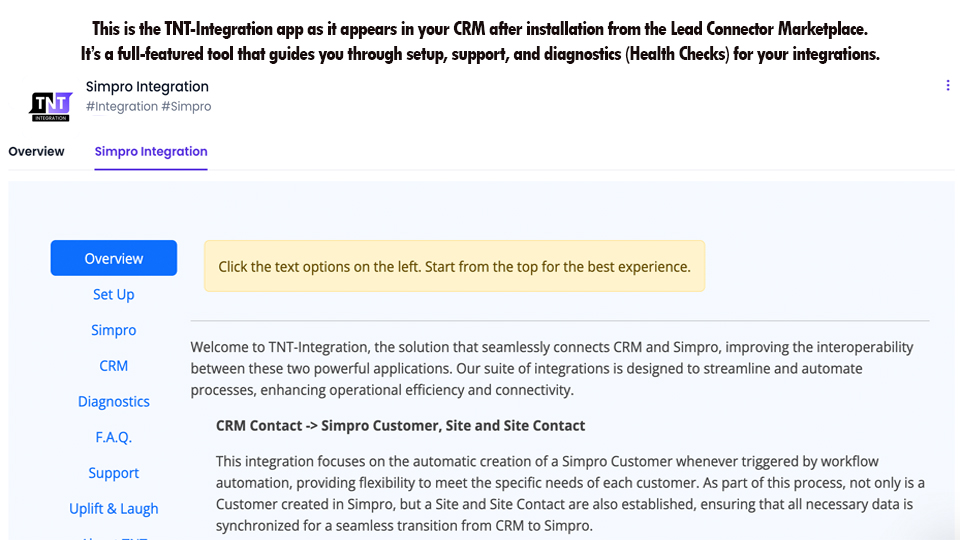
You can set up simple automated actions—like appointment reminders, status updates, or notifications—so your team and your customers always know what’s going on. The setup process is straightforward, with built-in checks to help you get running smoothly and keep everything working as it should.
By reducing admin and keeping your systems talking to each other, TNT-Integration helps trade businesses save time, stay organised, and deliver a better experience for every customer.
Features
Integration from CRM to Simpro
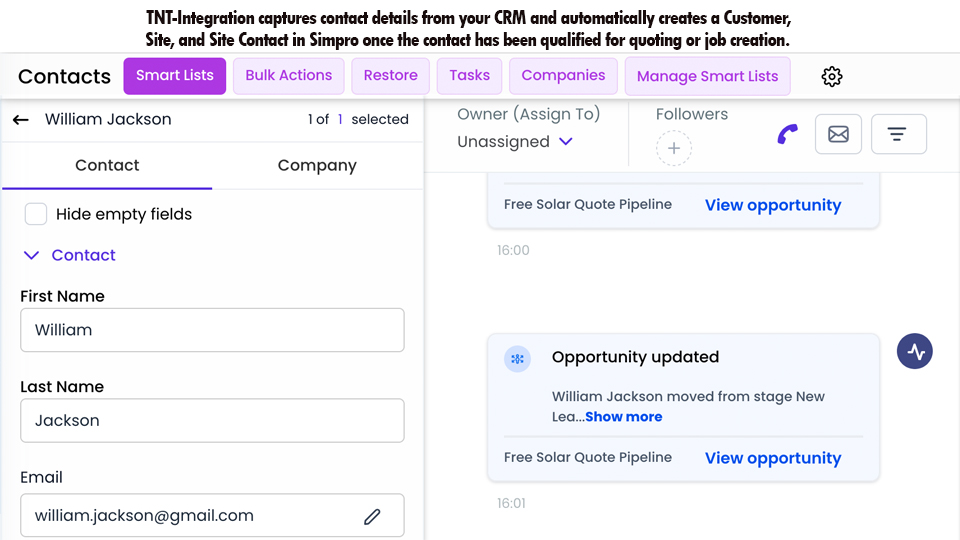
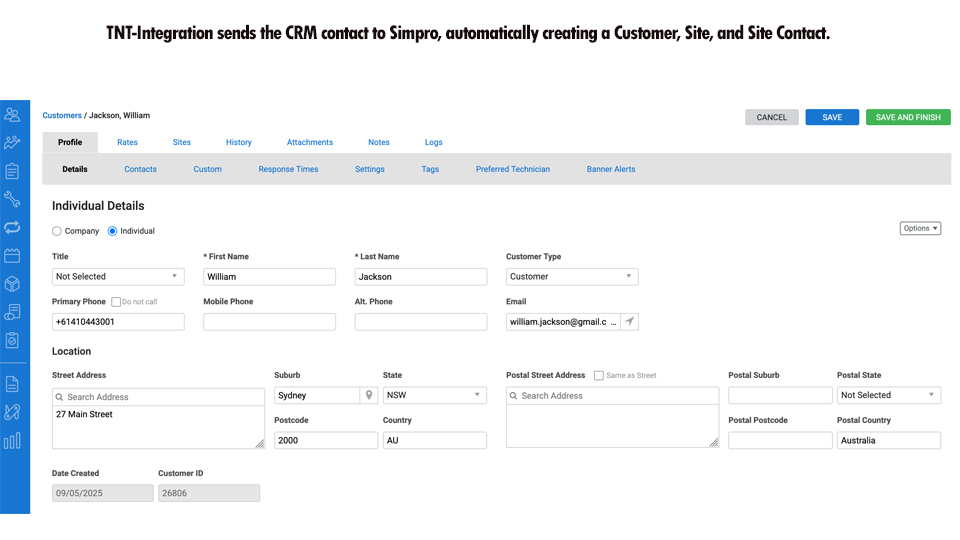
TNT-Integration automatically synchronizes your contact information into Simpro. This is configurable to be actioned based on when in your sales pipeline a job will be required, for example, when a site visit or quotation is required. TNT-Integration automatically creates a Simpro Individual Customer, a Simpro Contact, a Simpro Site and a Simpro Site contact.
Simpro Start Travel event
When your staff click on the start travel in the Simpro App, this event is recognized by TNT-Integration and details are forwarded to CRM where your own automation is processed. This can be used to send details to the contact by SMS or email or notify internal staff who can then call the client directly if required.
Simpro Lock Schedule event
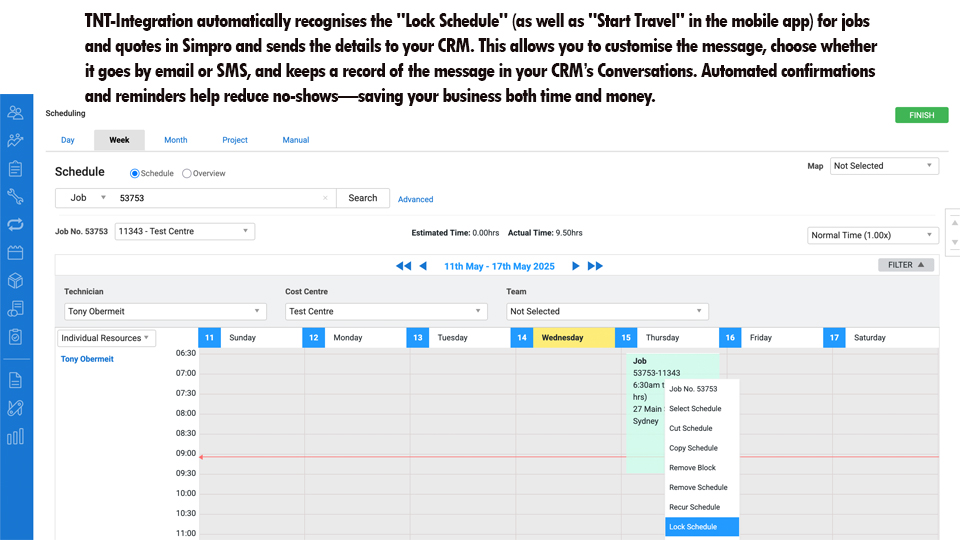
When your staff lock a schedule for a Quote or a Job within Simpro, , this event is recognized by TNT-Integration and details are forwarded to CRM where your own automation is processed. This can be used to send details to the contact by SMS or email or notify internal staff who can then call the client directly if required.
Custom webhook events
Any number of custom webhooks can be configured. These are able to action events on Quotes, Jobs as well as invoices. This means you can configure your own status settings in Simpro, for example "Quote Sent".
When this event is recognized by TNT-Integration, details are forwarded to CRM where your own automation is processed. Extensive details of the job, quote or invoice are included in the data (payload) sent to CRM allowing you to create exactly the automation to suit your needs.
When this event is recognized by TNT-Integration, details are forwarded to CRM where your own automation is processed. Extensive details of the job, quote or invoice are included in the data (payload) sent to CRM allowing you to create exactly the automation to suit your needs.
Media
Reviews
Pricing
Monthly Subscription
95
Integrate from CRM to Simpro and from Simpro to CRM. Over 600% ROI reported from existing customers. Try it free with no obligation for 90 days.
* The pricing here is for display purposes only. You should contact the partner for the most up to date and correct pricing information. We do not take any responsibility for this pricing information, which is provided by our partners. Pricing last updated: 22 Dec, 2025 12:00AM