SAP Finance (by Simplementary)
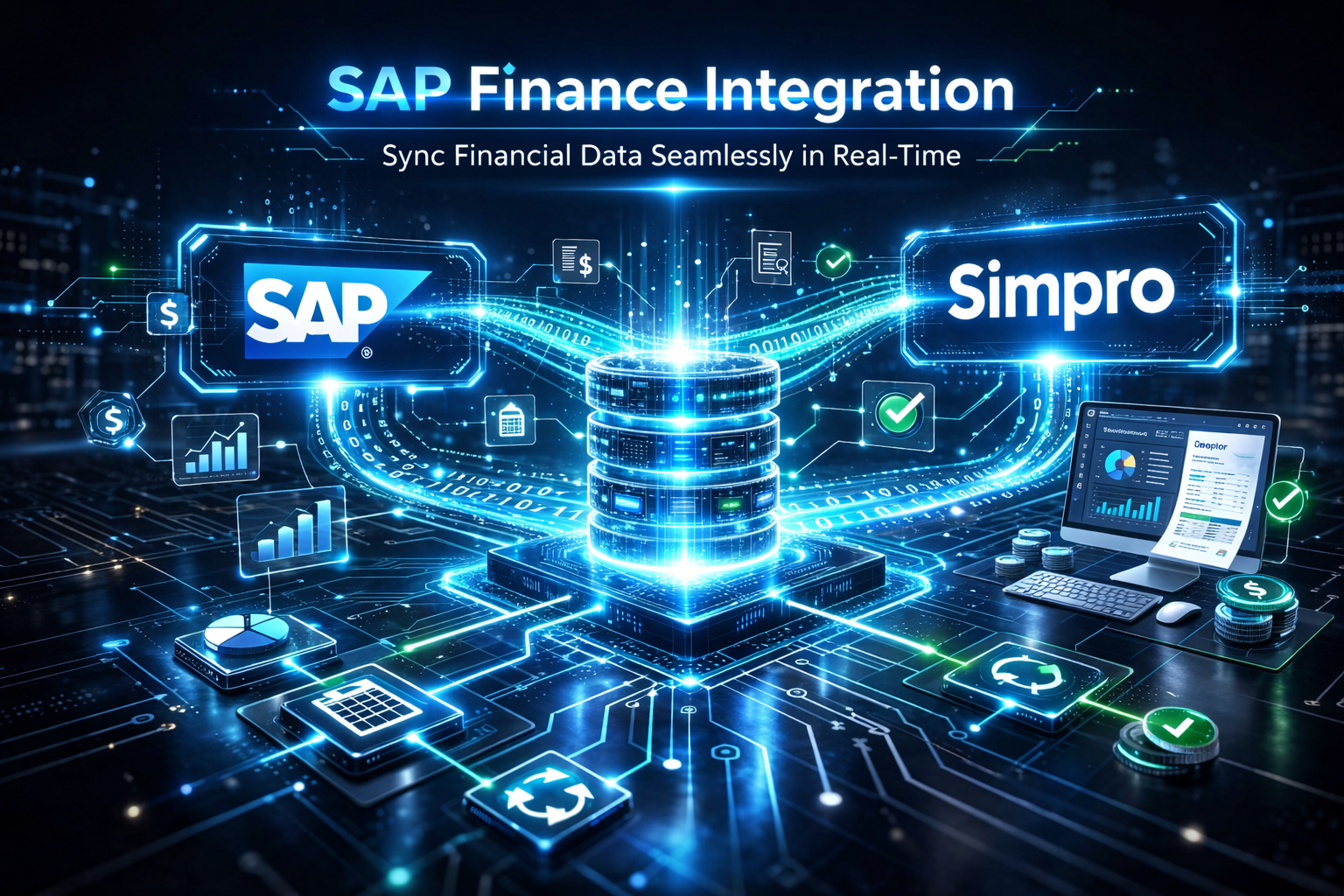
Connect your Simpro finance data to SAP so sales invoices, purchase receipts and stock movements flow into your group systems on a schedule. Eliminate re-keying, keep nominal codes and cost centres aligned, and give group finance a single, auditable feed from field operations.
Description
Our SAP Finance Integration extracts sales invoice data, purchase order and receipt information, and stock movement data from Simpro, then delivers it to your SAP environment via secure file transfer (SFTP). Invoice line items—including labour and consumables—are structured so group finance can post to the right nominal codes and cost centres. Stock and purchase data support reconciliation against your chosen storage areas and entities in SAP, so UK operations and group reporting stay in sync.
Who it’s for
* Simpro users whose group or parent company runs SAP and needs consolidated finance, cost and stock data from field operations.
* Finance and management teams tired of manual exports, re-keying or error-prone spreadsheets between Simpro and SAP.
* Businesses that need sales invoices, purchase receipts and stock movements delivered on a routine schedule into a designated SAP file drop or process.
Key benefits
* Automate sales invoice flow: Automate the flow of sales invoice data—headers and line-level labour and consumables—into SAP for posting to the correct nominal codes.
* Deliver purchase and cost data: Deliver purchase receipt and cost data so actualised costs can be reconciled against the right storage areas and entities in SAP.
* Transfer stock data: Transfer stock movement and holding data by location, with variance against prior period, so group and local stock views stay aligned.
* Scheduled extractions: Run extractions on a scheduled routine (e.g. end of week) with secure SFTP delivery, reducing operational impact and manual handoffs.
How it works with Simpro
* Sales invoice extraction: Sales invoice data is extracted from Simpro—full invoice table plus granular line items per invoice—with invoice number and tax code so SAP can post expense and sales values correctly.
* Purchase invoice extraction: Purchase invoice (receipt) data is extracted with headline and line detail, using receipt ID as the unique identifier for reconciliation in SAP.
* Stock data extraction: Stock data is extracted for the relevant storage locations, compared to the previous period and supplied in a structured format (e.g. CSV) with location and variance for SAP consumption.
* Secure transfer: All data sets are prepared and transferred via SFTP to your group’s chosen server and path, on a defined schedule with options to handle large volumes across multiple runs if needed.
At A Glance
* Sales invoice data (headers and line-level labour & consumables) extracted and delivered for SAP posting.
* Purchase receipt data for cost reconciliation against storage areas in SAP.
* Stock movement and holding data by location with variance to prior period.
* Scheduled extraction and secure SFTP transfer to your group’s server and path.
* Structured files (e.g. CSV) with consistent identifiers for invoice, receipt and stock.
Who it’s for
* Simpro users whose group or parent company runs SAP and needs consolidated finance, cost and stock data from field operations.
* Finance and management teams tired of manual exports, re-keying or error-prone spreadsheets between Simpro and SAP.
* Businesses that need sales invoices, purchase receipts and stock movements delivered on a routine schedule into a designated SAP file drop or process.
Key benefits
* Automate sales invoice flow: Automate the flow of sales invoice data—headers and line-level labour and consumables—into SAP for posting to the correct nominal codes.
* Deliver purchase and cost data: Deliver purchase receipt and cost data so actualised costs can be reconciled against the right storage areas and entities in SAP.
* Transfer stock data: Transfer stock movement and holding data by location, with variance against prior period, so group and local stock views stay aligned.
* Scheduled extractions: Run extractions on a scheduled routine (e.g. end of week) with secure SFTP delivery, reducing operational impact and manual handoffs.
How it works with Simpro
* Sales invoice extraction: Sales invoice data is extracted from Simpro—full invoice table plus granular line items per invoice—with invoice number and tax code so SAP can post expense and sales values correctly.
* Purchase invoice extraction: Purchase invoice (receipt) data is extracted with headline and line detail, using receipt ID as the unique identifier for reconciliation in SAP.
* Stock data extraction: Stock data is extracted for the relevant storage locations, compared to the previous period and supplied in a structured format (e.g. CSV) with location and variance for SAP consumption.
* Secure transfer: All data sets are prepared and transferred via SFTP to your group’s chosen server and path, on a defined schedule with options to handle large volumes across multiple runs if needed.
At A Glance
* Sales invoice data (headers and line-level labour & consumables) extracted and delivered for SAP posting.
* Purchase receipt data for cost reconciliation against storage areas in SAP.
* Stock movement and holding data by location with variance to prior period.
* Scheduled extraction and secure SFTP transfer to your group’s server and path.
* Structured files (e.g. CSV) with consistent identifiers for invoice, receipt and stock.
Features
Sales invoice data flows to SAP
Invoice headers and line-level detail are extracted from Simpro and delivered for SAP posting automatically.
Purchase and stock data reconciled
Receipt and stock movement data syncs to SAP so costs and inventory stay aligned across systems.
Scheduled, secure file delivery
Extractions run on a defined routine via SFTP—reducing manual handoffs and operational impact.
Media