
Shopify (by KwiKonect)
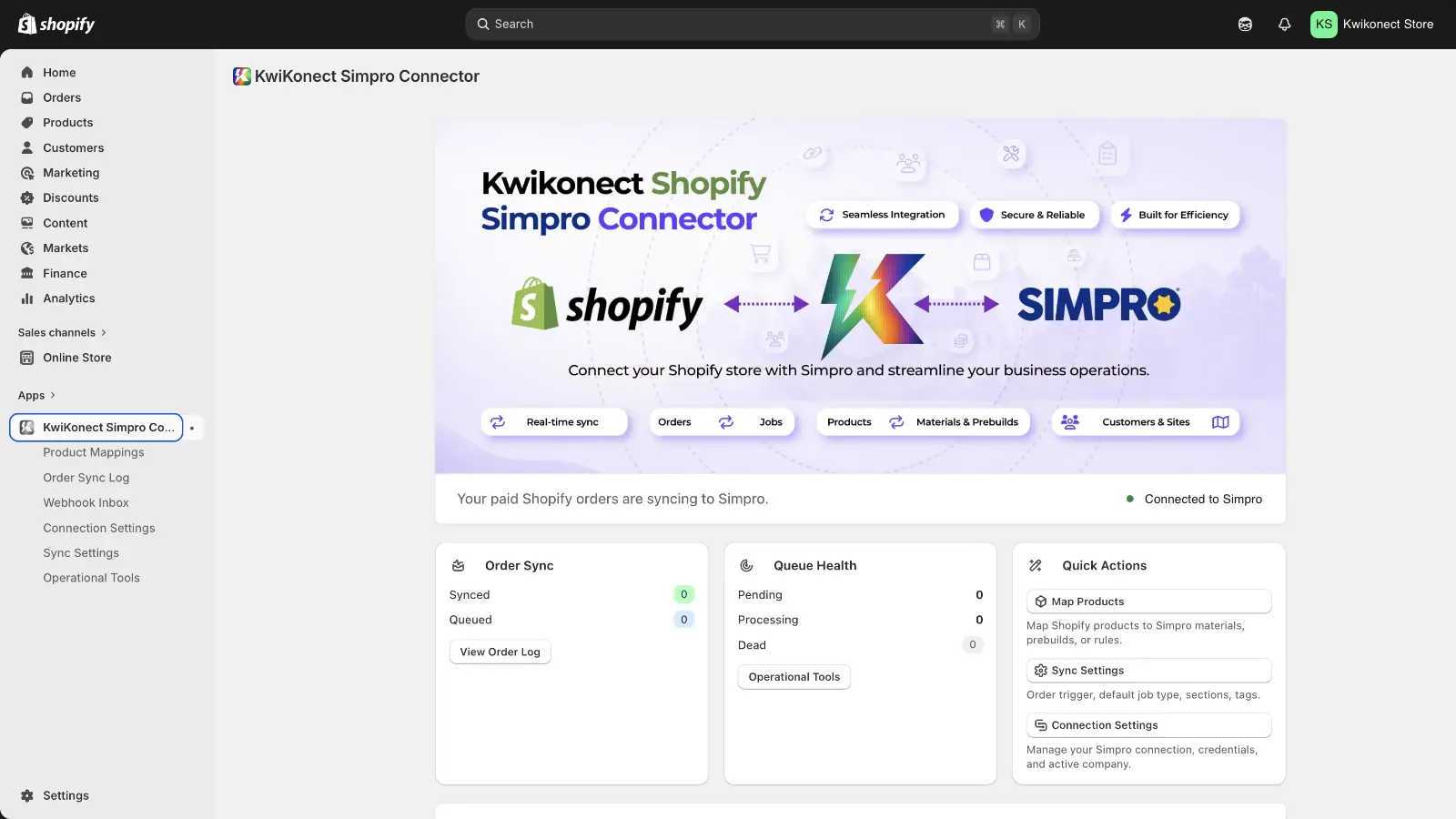
KwiKonect Simpro Connector links your store to Simpro so paid orders become jobs without manual entry. When an order is paid, the app creates the Simpro job, customer, and site, maps each product to a Simpro material or prebuild, and applies your chosen job type and tags. Each order is processed safely so jobs are never duplicated, and a sync log records every order with its linked job.
Description
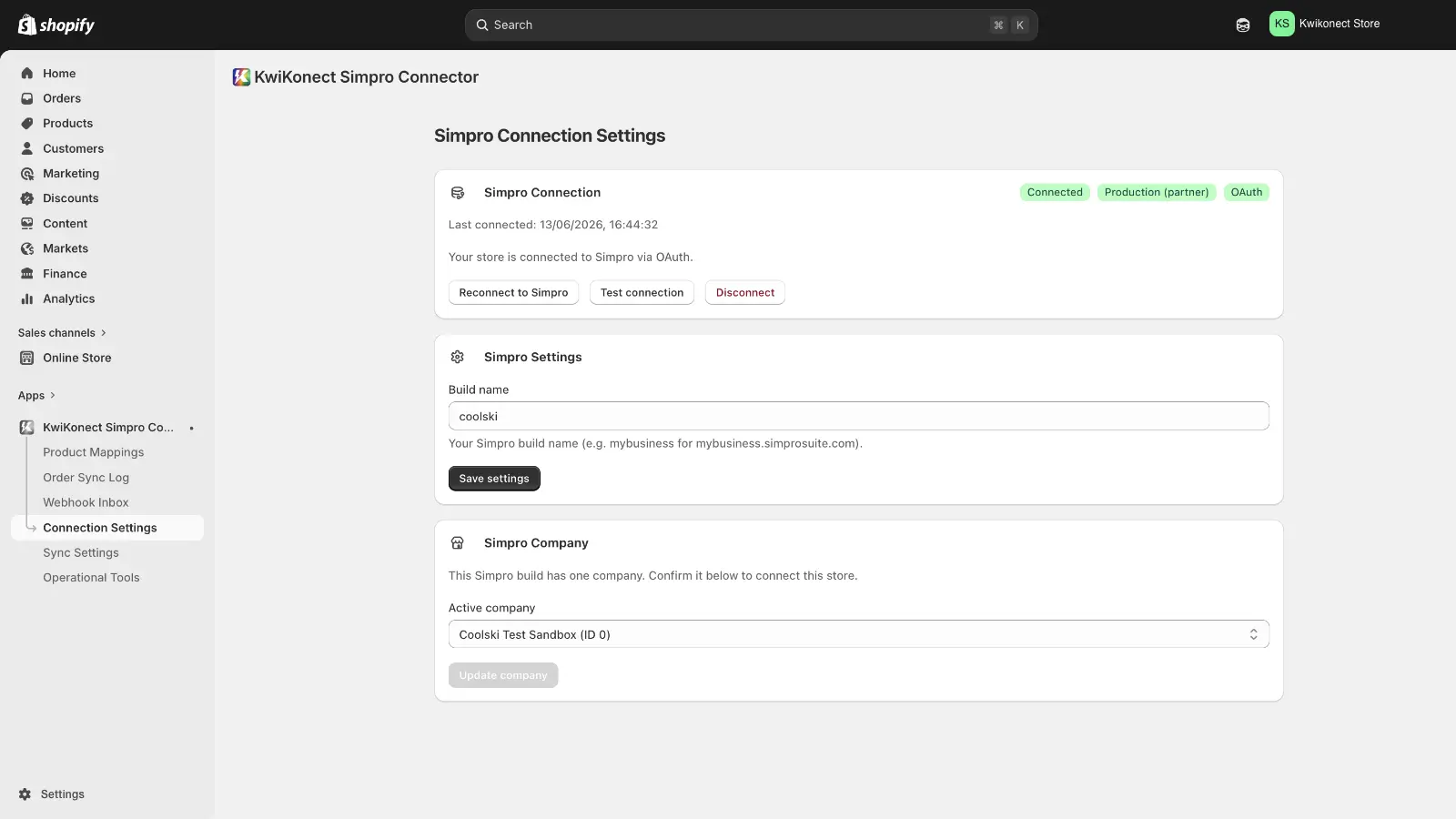
KwiKonect Simpro Connector links your store to Simpro so paid orders become jobs without manual entry. When an order is paid, the app creates the Simpro job, customer, and site, maps each product to a Simpro material or prebuild, and applies your chosen job type and tags. Each order is processed safely so jobs are never duplicated, and a sync log records every order with its linked job. To connect, enter your Simpro build URL and approve access in Simpro.
Features
Create jobs from orders
Paid Shopify orders → Simpro jobs (Prepaid, Service or Project)
Auto order-to-job sync
Paid Shopify orders become Simpro jobs in the background.
Trigger on payment, or on fulfilment
Orders are sent from Shopify when it is paid or fulfilled. You choose the trigger
Sync customers
Find or create the Simpro customer (matched by email) and site
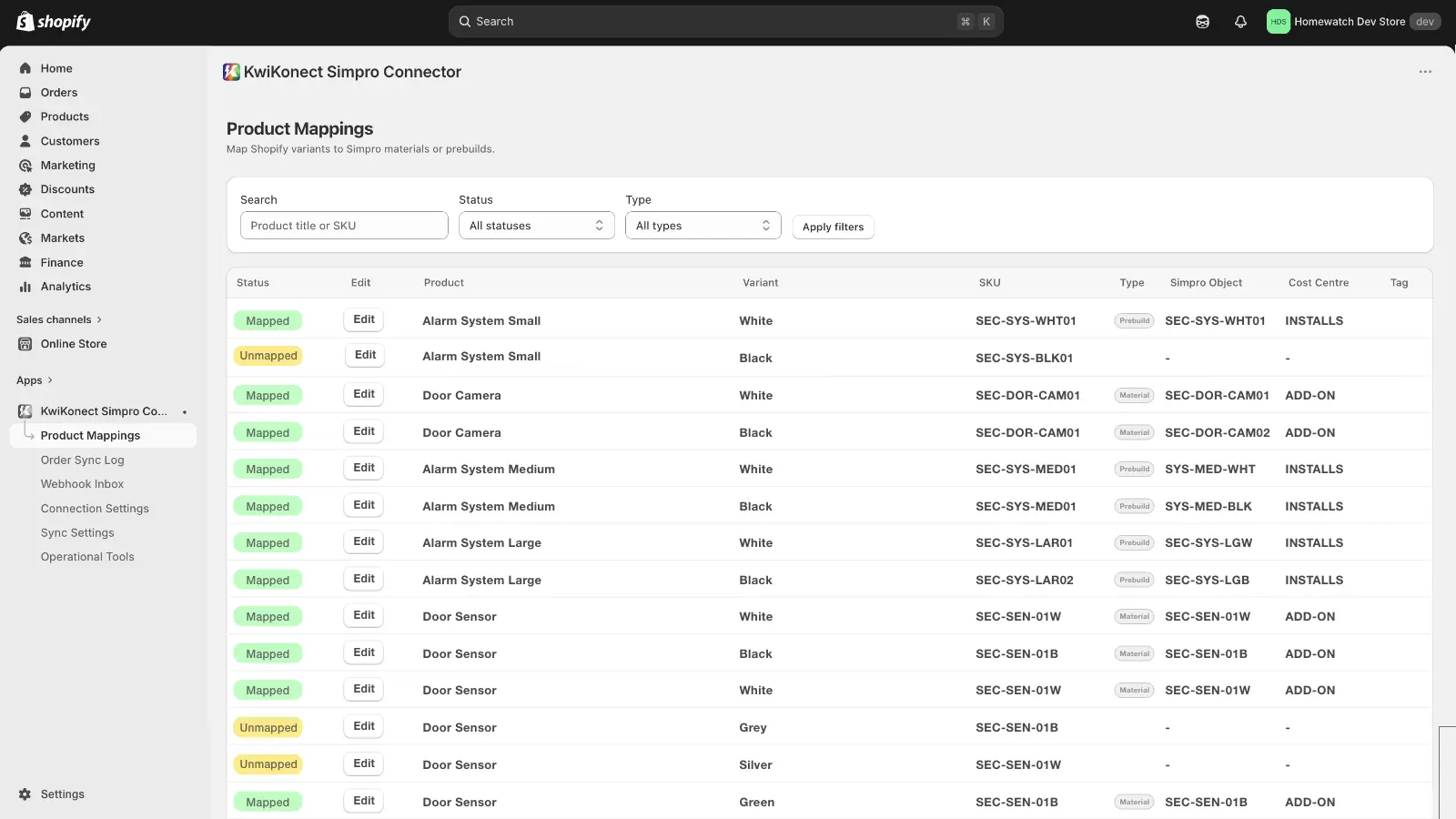
Map products to materials
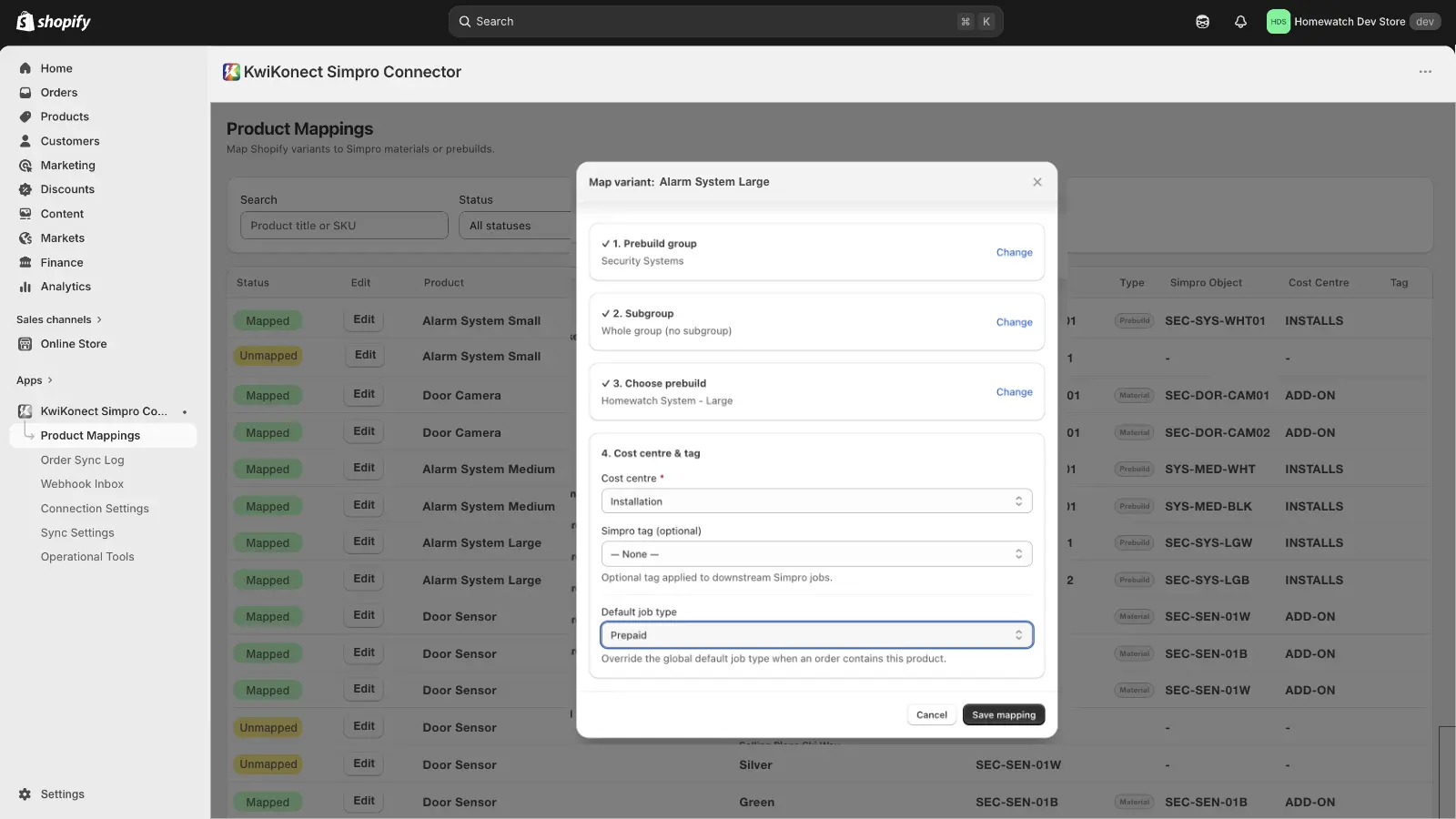
Product variant → Simpro material and pre-builds mapping, with cost centres
Media
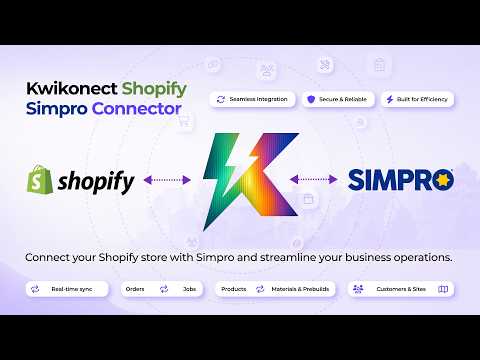
Integration Diagrams


Shopify Order to Simpro Job
https://www.kwikonect.com/docs/simpro-shopify-connect/
Reviews
Pricing
Kwikonect Simpro to Shopify Connector - $49 per month via Shopify App Store.
Try before you buy $0 for 7 days.
Try before you buy $0 for 7 days.
Standard Plan
$49 per month
Unlimited auto order to job syncs
- Unlimited auto order to job syncs
- Customers & sites created for you
- Guided Product Mappings
- No duplicate jobs, ever!
- Full audit log + safe retries
- Simpro tags
- Secure & GDPR-compliant
* The pricing here is for display purposes only. You should contact the partner for the most up to date and correct pricing information. We do not take any responsibility for this pricing information, which is provided by our partners. Pricing last updated: 29 Oct, 2026 12:00AM
Resources
FAQ
No. Stock, products and prices are not synced in either direction.
No. You enter your build name and approve access on Simpro’s own screen.
Jobs already created in Simpro stay in Simpro. Your subscription ends. In Sync Settings you can choose to have your app data deleted straight away when you uninstall.
No. Each order’s sync state is kept in the app and marked on the Shopify order. If a sync is retried after a problem, the connector resumes the job it already started rather than creating a second one.
The order still becomes a job. Unmapped line items are left off and a warning is recorded in the Order Sync Log, so map every product you sell before going live.
Yes. Orders flow from Shopify to Simpro. The only thing written back to Shopify is the Simpro job id and sync status, as an order metafield and an optional order tag.
The connector finds the Simpro customer by the order’s email, or creates one from the order details. The delivery address becomes a Simpro site, or the billing address if there is no delivery address. An existing matching site is reused.
Every record is scoped to your store, and your connection tokens are encrypted. The app has been approved by both Shopify and Simpro as it follows their strict data-request and data-deletion rules.